Secure Document Vault
Right in Your Pocket.
Access UploadDoc on-the-go. Securely manage, upload, and verify documents with an enhanced, native interface. Fast processing and direct status notifications.
Point your smartphone camera at this screen to instantly download the APK file directly to your phone.
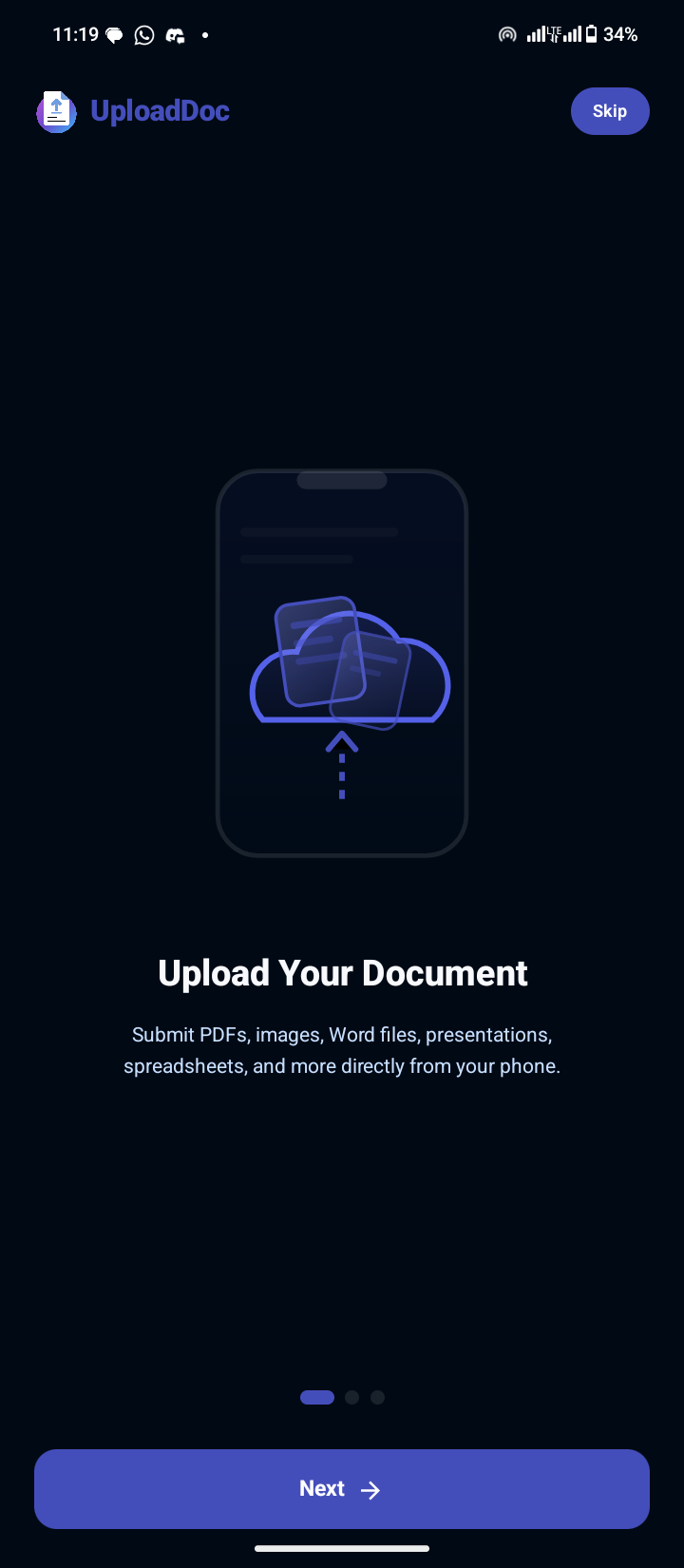
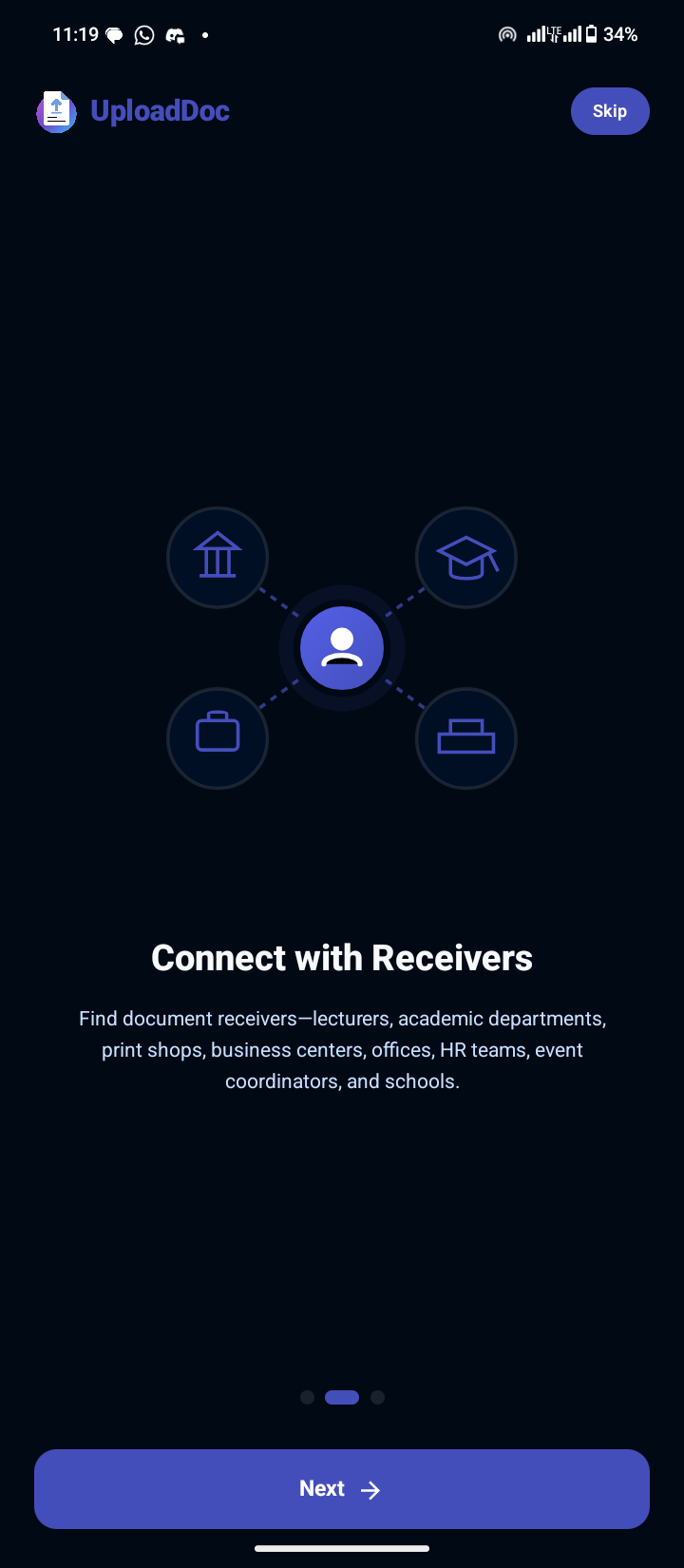
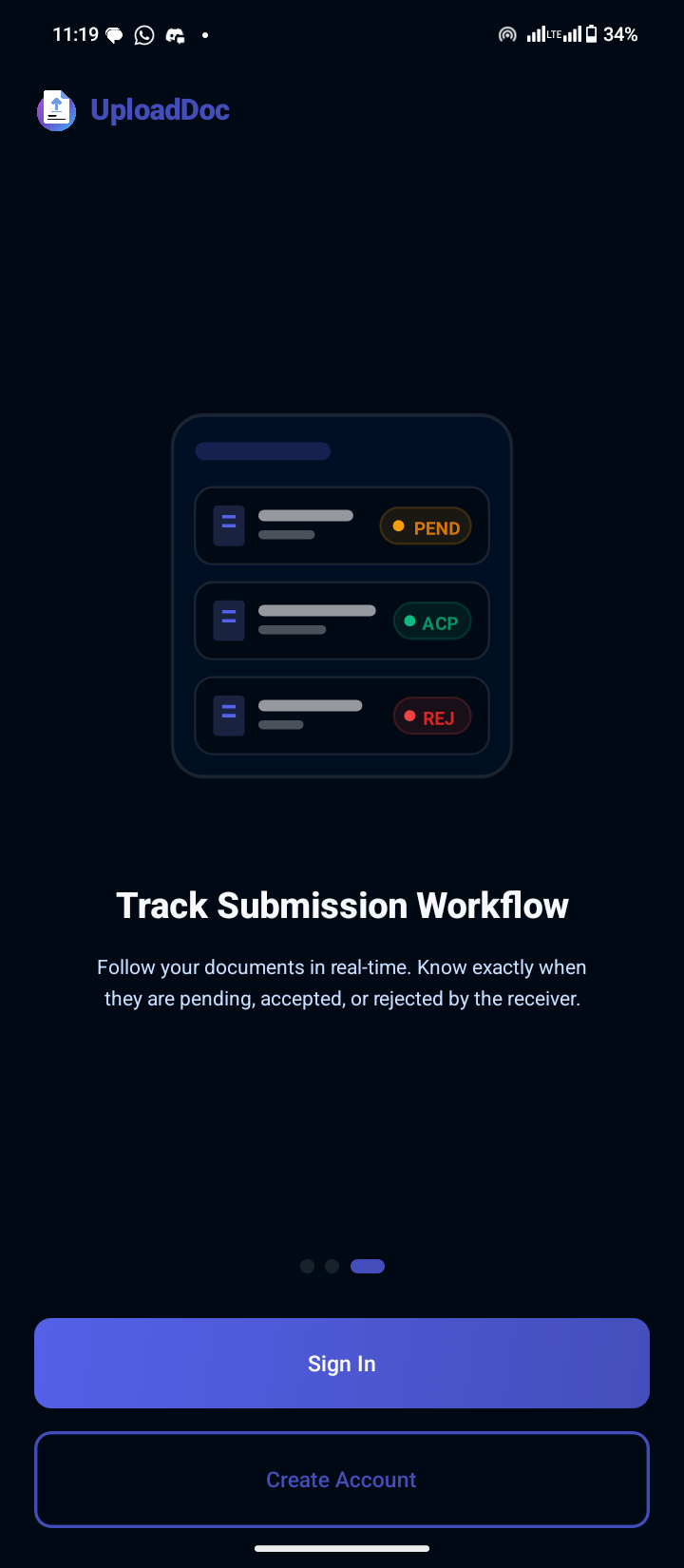
.png)
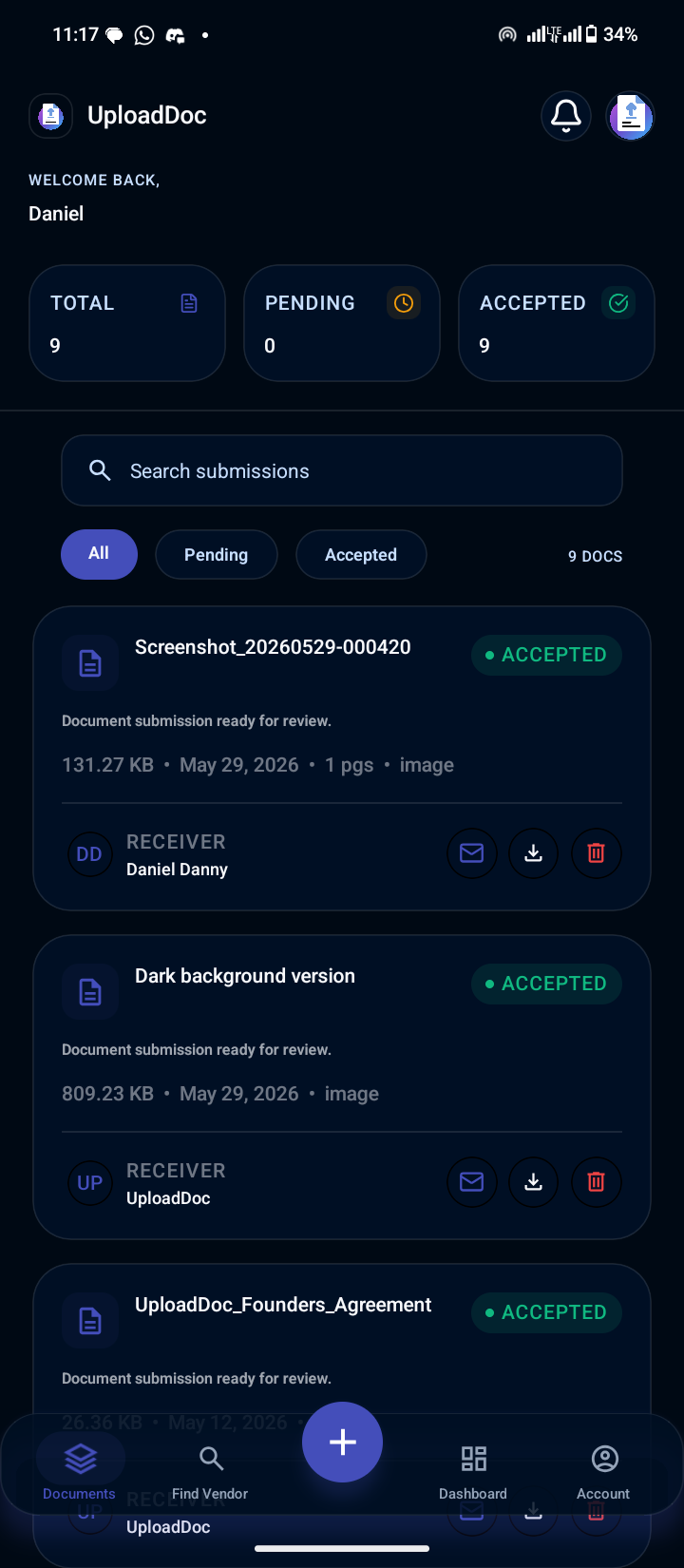
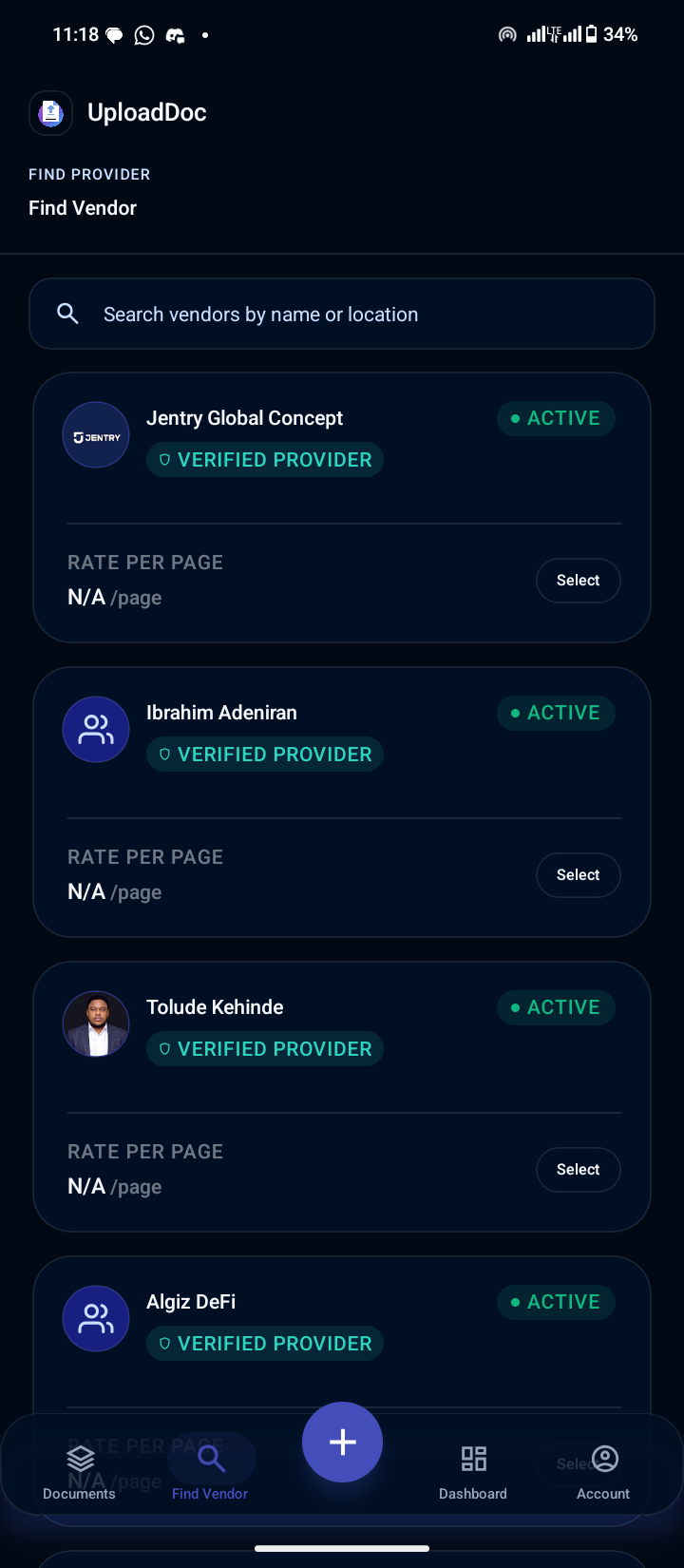
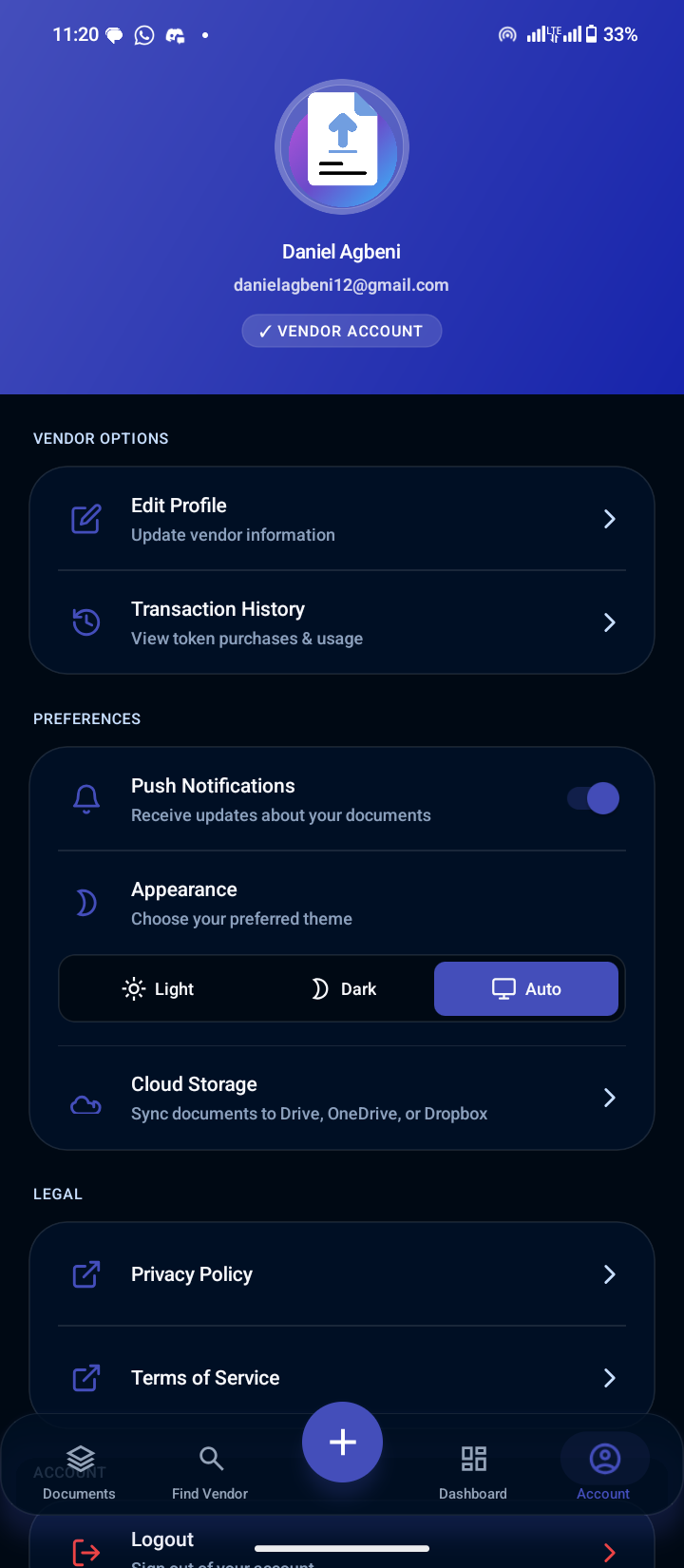
Explore UploadDoc Mobile
Click on the feature tabs below to switch screens on the phone mockup
Intuitive Onboarding
Start your journey with a clean, fast sign-up flow designed to get you running in seconds.
Easy Installation Walkthrough
Since UploadDoc is in Beta and not yet distributed through the Google Play Store, here is how you can install the APK file in under a minute.
Download the APK
Click the "Download APK" button or scan the QR code to save the file on your device.
Enable Unknown Sources
Open Settings on your Android device, go to Security, and enable "Install from Unknown Sources".
Open and Install
Navigate to your Files/Downloads folder, open the downloaded APK file, and click "Install".
Launch & Connect
Launch the application, log in with your existing account, and enjoy the native experience!